The network workbench for your AI agent.
Inspect your app’s traffic on your Mac. Your coding agent can find a failed request, propose a rewrite and check the retry. You approve what changes.
Free for Mac. Released under the MIT License.
Explore features →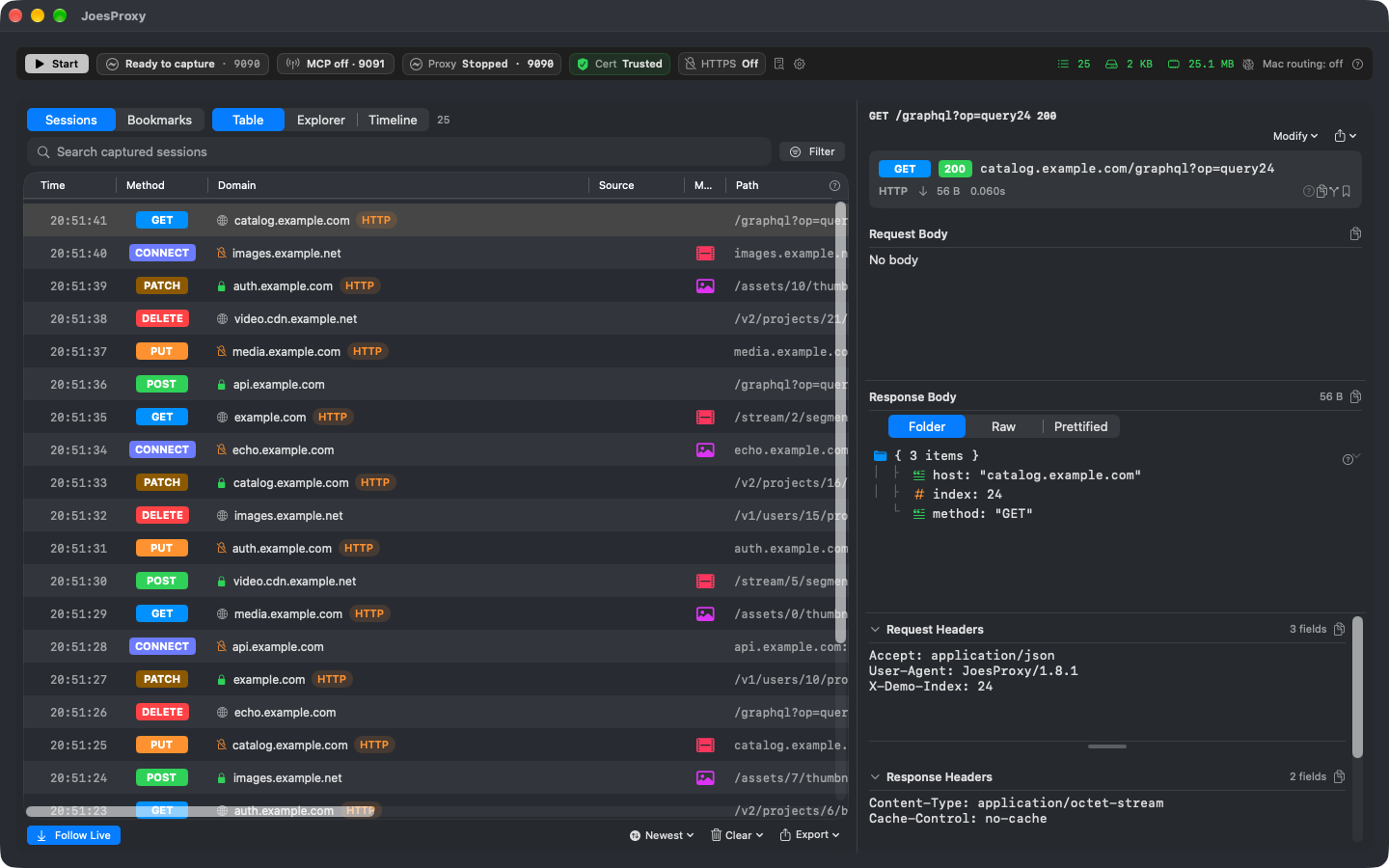
Ask your agent to test a slow connection.
“I just refreshed the catalog on Wi-Fi. Find that request and tell me how long it took. Propose the 3G preset for my next refresh, then compare the two requests.”
Through JoesProxy’s local MCP server, your agent can look up the matching requests without sending the whole capture into chat. You approve the network change on your Mac and refresh the app again. The agent can report the status and timing of each request; you check whether the catalog actually appeared.
Turn off throttling when you’re done. See the agent walkthrough →
Coming from Charles?
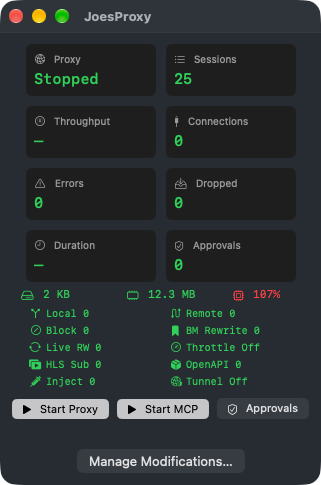
If you use Map Local, Rewrite and Throttling in Charles, you’ll recognize the workflow: serve a local file instead of the server’s response, change a field in live JSON, or slow down a request. JoesProxy handles those jobs on your Mac.
Ask your agent, “What do the item prices in this cart response add up to?” With edge compute, JoesProxy adds them on the Mac that captured the response. The model gets the total instead of every line item. For a large cart, that means fewer input tokens to process and can lower the cost of the request.
Agent-controlled HLS video streaming
Tell your agent what you want to test: joining a live stream at the live edge, rewinding into DVR history, or switching tracks across a discontinuity. Your agent proposes a test stream for JoesProxy’s built-in HLS server. Once you approve it on your Mac, play it in your app. You watch the player; your agent can show you which playlists and segments it requested.