Share a repeatable scenario with an Effect Bundle
Carry coordinated rules and assets to another test session, then verify what they served.
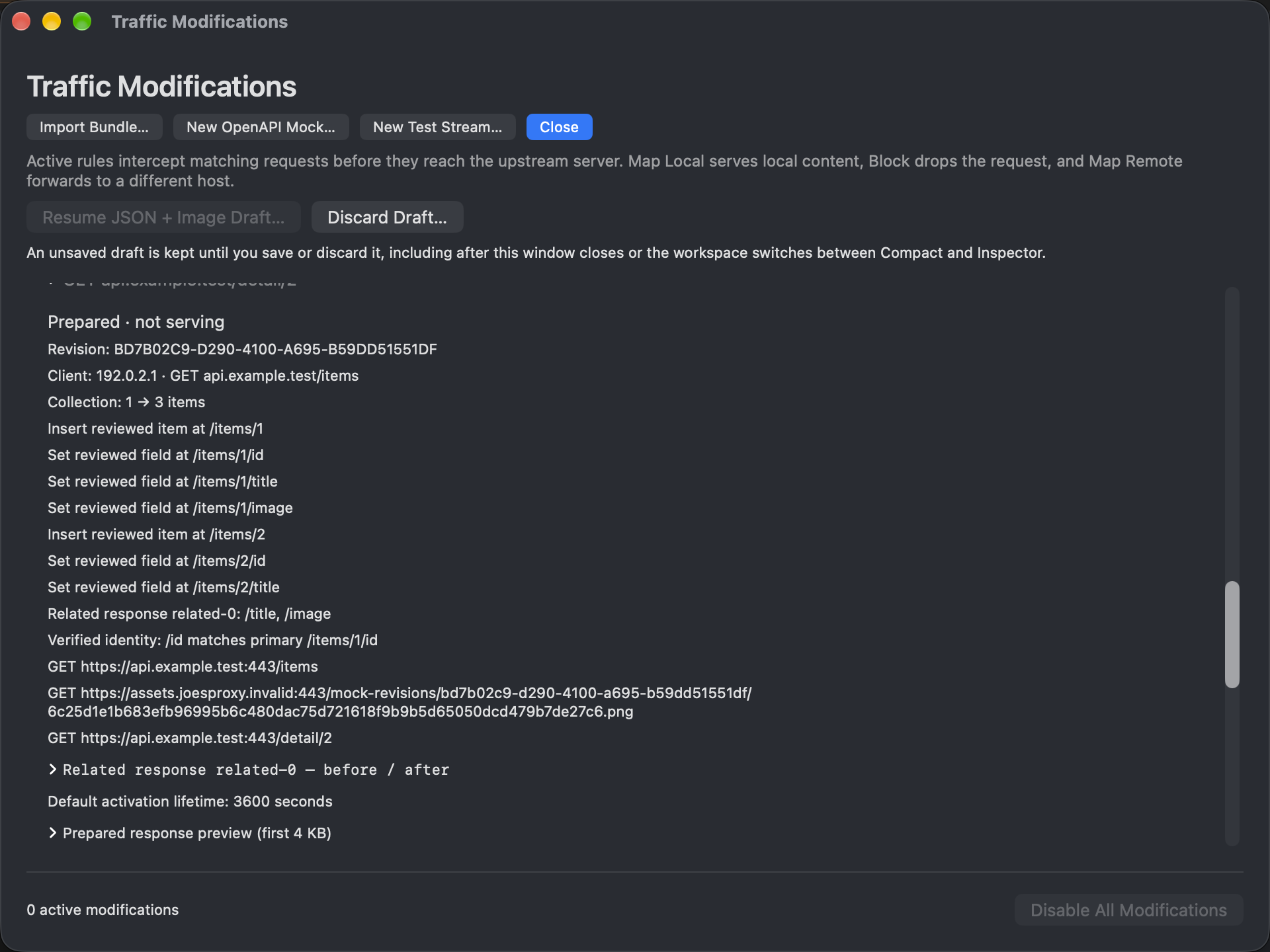
A QA handoff is easier to repeat when the catalog response and its artwork travel together. Use an Effect Bundle for the rules and local assets; keep device state, app actions and observations in the test notes.
Prepare a small scenario
- Route the intended target and verify the unmodified catalog. Identify the actual artwork request, not just the URL printed in the catalog.
- Prepare a narrow response rewrite and Map Local rule: one synthetic catalog item references an image, and a local test image supplies that resource. Inspect both match scopes before activation.
- Package the related rules and assets. Record the target app, expected origin and whether the first run needs a fresh fetch. Preparing or importing a bundle is not evidence that it is active.
Verify both halves
Review the bundle on the receiving Mac before enabling it in the test session. Refresh once. Check the catalog response for the intended change, then inspect the subsequent artwork request for the matching path and override attribution. Finally verify the artwork on the device. An edited response does not prove the app requested, decoded or displayed the new image.
FAQ: the bundle is present but nothing changes
Check activation, the actual host and path, the current session, and other enabled matching rules. If there is no new request, verify the app’s cache behavior before altering the rule. A deliberately unavailable local asset is a local fixture problem, not proof that the remote origin failed.
Restore
Disable the bundle and any separate test rules or fixture runs. Repeat the request and verify normal attribution and behavior. Restore any temporary routing separately.