Find out why a catalog looks empty
Trace one refresh from the app to the response and distinguish an empty collection from a missing body.
A tester taps Refresh and sees “No titles.” Did the service return an empty list, did the request fail, or did the app receive titles it didn’t display? One captured refresh can separate those cases without changing traffic.
Capture the refresh that produced the empty screen
- Connect the target app. Use a test account whose catalog normally contains a recognizable title. Note the time, open the catalog, then tap Refresh once.
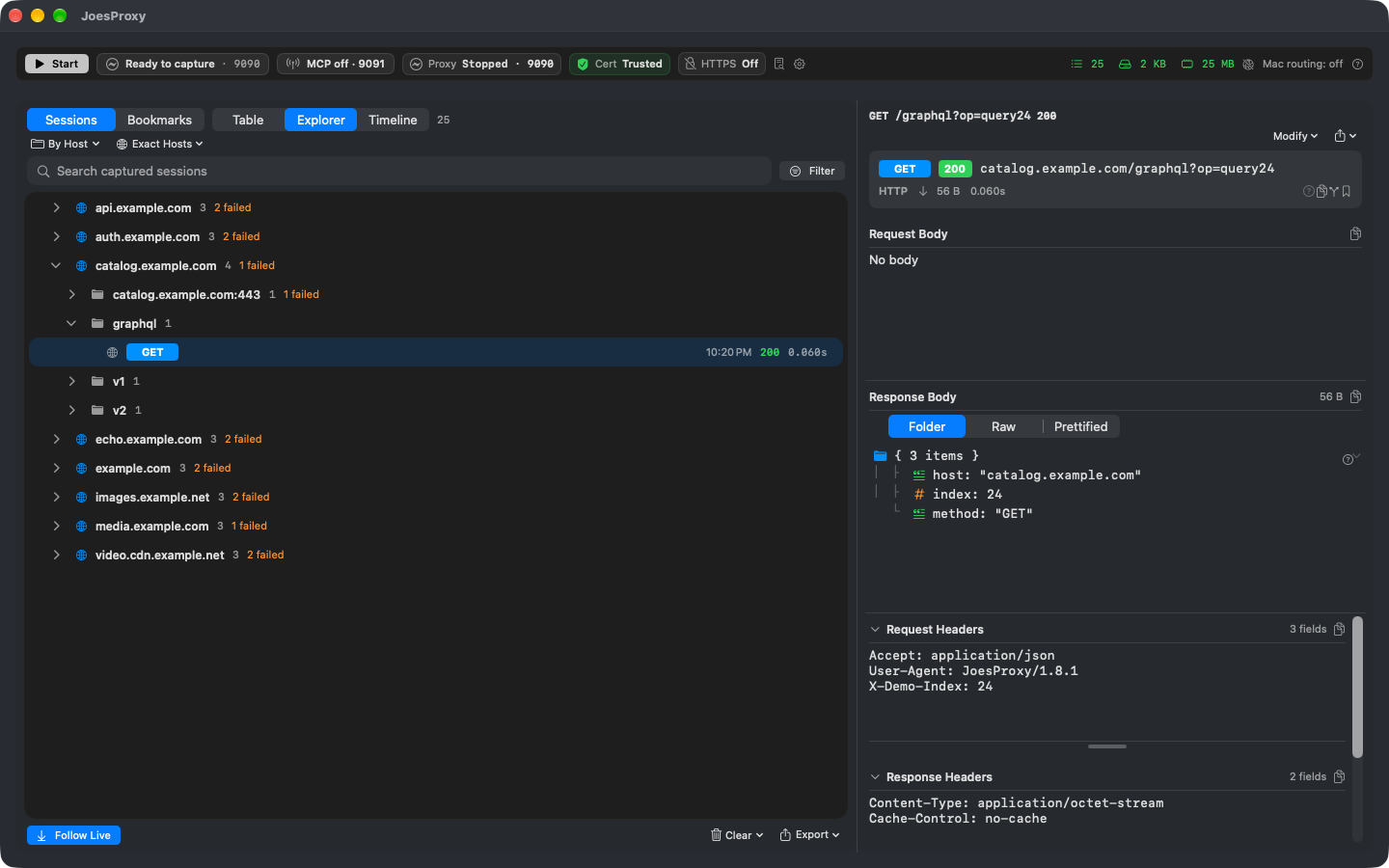
- In Table, narrow the sessions to the expected catalog host near that time. Look for the method and path the app actually used. If there are several matching rows, keep them in order: the first may have failed and the next may be a retry. Use Explorer if you know the host but not the endpoint.
- Select a matching session. Read Summary before opening the body: did you get an HTTP response, was the connection inspected, and did an override supply it? A synthetic response from a rule is not evidence that the upstream service returned the same thing.
- If the response is available, inspect the collection the app displays. For example, compare an explicit
"items": []with an array containing the expected title. Note what the screen showed for that refresh.
Decide what the capture supports
| Observation | Next check |
|---|---|
| The response contains the expected title; the screen is empty. | Check whether a later retry replaced that result. If not, investigate the app’s decoding, filtering or display logic. |
| The inspected response explicitly contains an empty array. | The app received an empty collection for this request. Check the request parameters and response source before blaming the backend. |
| You see a tunnel, an omitted body, or a failure before a response arrived. | The collection’s contents are unknown. Read Inspection and Reason; don’t record “zero items” just because no JSON is visible. |
| No matching request appears. | Clear stale filters, confirm target routing, and repeat one action that needs the network. A cached screen and a routing problem can look identical here. |
Hand off the finding
Keep the method, path, time, status, response source and observed screen together. A useful note is: “The inspected catalog response contained the expected title, but the list remained empty after refresh.” Avoid exporting unrelated headers or bodies. Clear your filters and restore the target’s prior route when finished.