Test an empty catalog with a response rewrite
Change one JSON field for one test client, check the next response, then restore the original behavior.
Your test account has titles, but you need to review the empty-state screen. Rather than delete catalog data or replace the entire backend, patch the collection in the matching live JSON response. The same account can then exercise both screens.
Establish a baseline and change one field
- Route your test app and refresh its catalog. Select the inspected response. Confirm the account has at least one item and that the app displays it. Note the method, host, path and any query that distinguishes this catalog.
- In Local Overrides, prepare a live JSON response rewrite for that request. Scope it to the intended test traffic. In JSON path, enter the path from the actual response: for
{"catalog":{"items":[{"title":"Demo"}]}}, entercatalog.items. In Override value (JSON), enter the array[], not the string"[]". A live rewrite still contacts the backend. Use a bookmark rewrite instead if you want to freeze the entire input. - Review the match scope and enable the rule. Return to the same account and trigger a fresh catalog request. Select the new session, not the baseline or the editor preview.
Verify the wire result and the screen separately
In the inspector, look for attribution to the live rewrite and confirm that the collection is now an empty array. Check a neighboring field you didn’t patch. Then inspect the app: did it replace the list with its empty state, keep stale titles, or show an error? The first two checks establish what was served; the screen tells you how the app handled it.
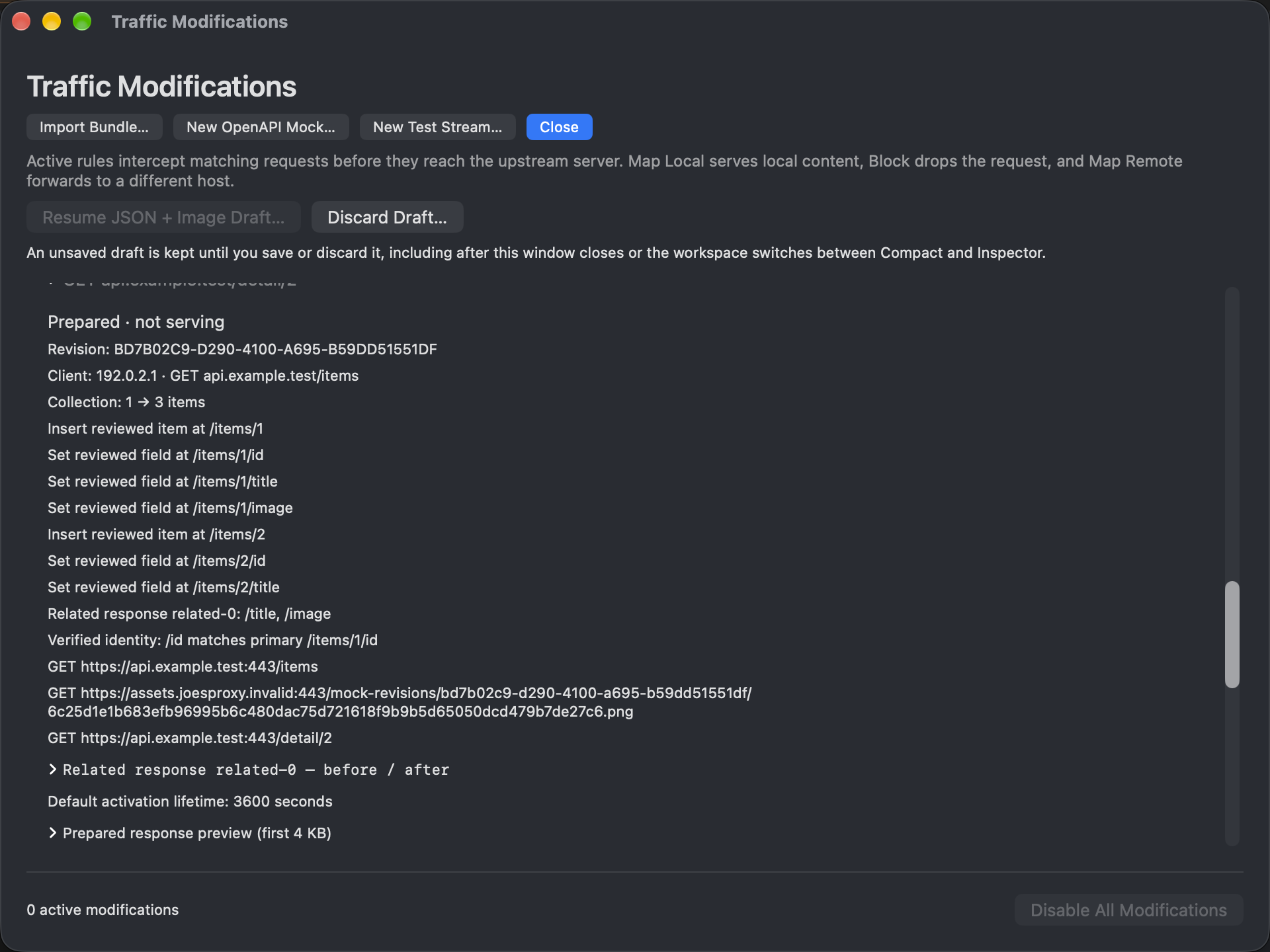
If the original list still arrives, compare the new request with the rule, including its query and the JSON path. Check for another enabled match: the newest matching enabled rule wins. If there is no new session, investigate routing or local app state before widening the rule. A prepared response is not proof of delivery.
Reverse the experiment
Disable your rewrite and refresh once more. Confirm that this request is no longer attributed to the rule and that the ordinary catalog returns. Keep the three observations together: baseline, empty array, restored response. If the array was empty only in the middle run but the screen never changed, you’ve reproduced a client-side symptom without changing the account.